前言
- 搜了许多资料,觉得vscode调式c程序的教程有点杂,所以写下这篇博客,使用vscode调用lua源码,版本是lua5.3.6,下载地址为http://www.lua.org/versions.html
正文
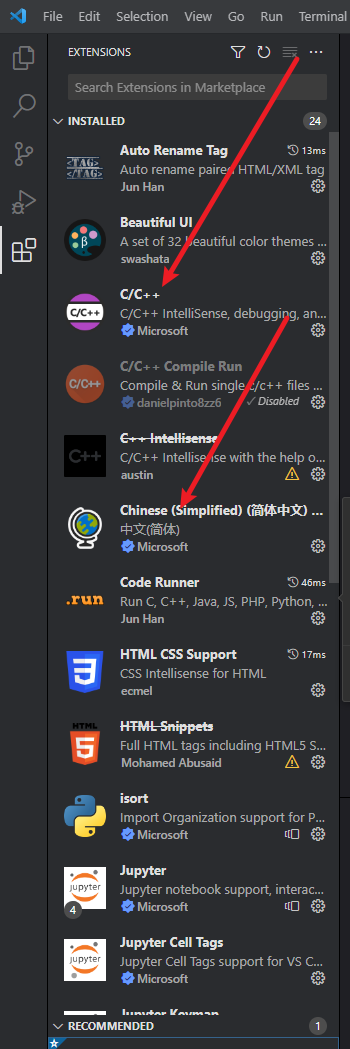
vscode的插件准备(有安装code runner的需要禁止用)
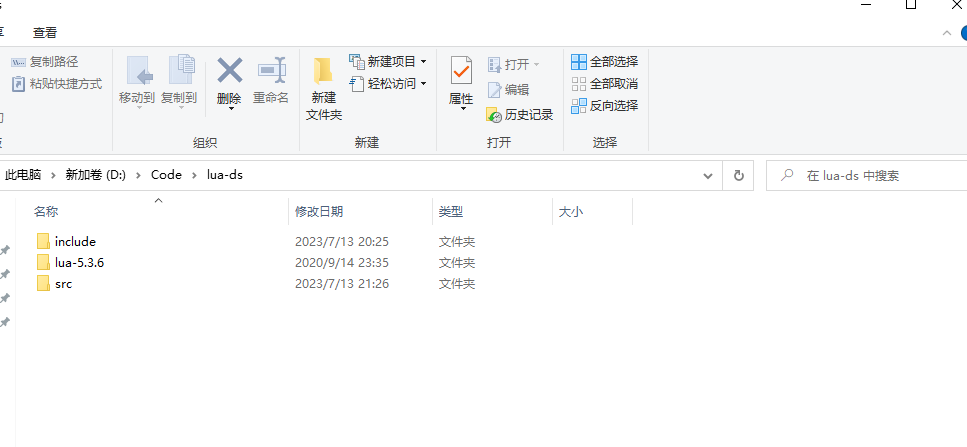
准备一个vscode工程目录如下:
把lua-5.3.6的源文件复制一份到include文件夹和src,然后使用
del *h或del *c删除对应不需要的文件夹。如图: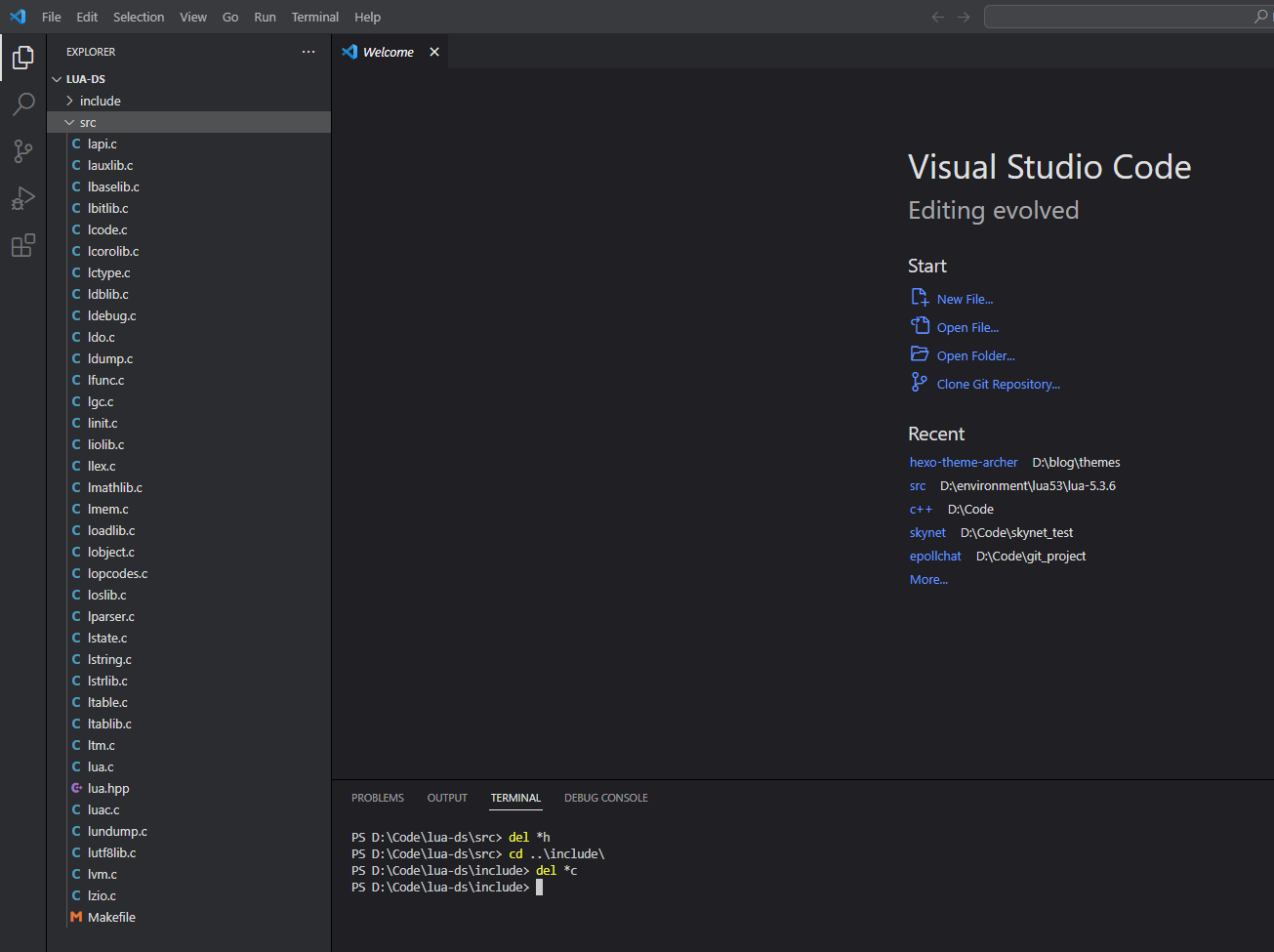
然后需要注释掉lua.c源码的int main和luac.c源码的int main的入口
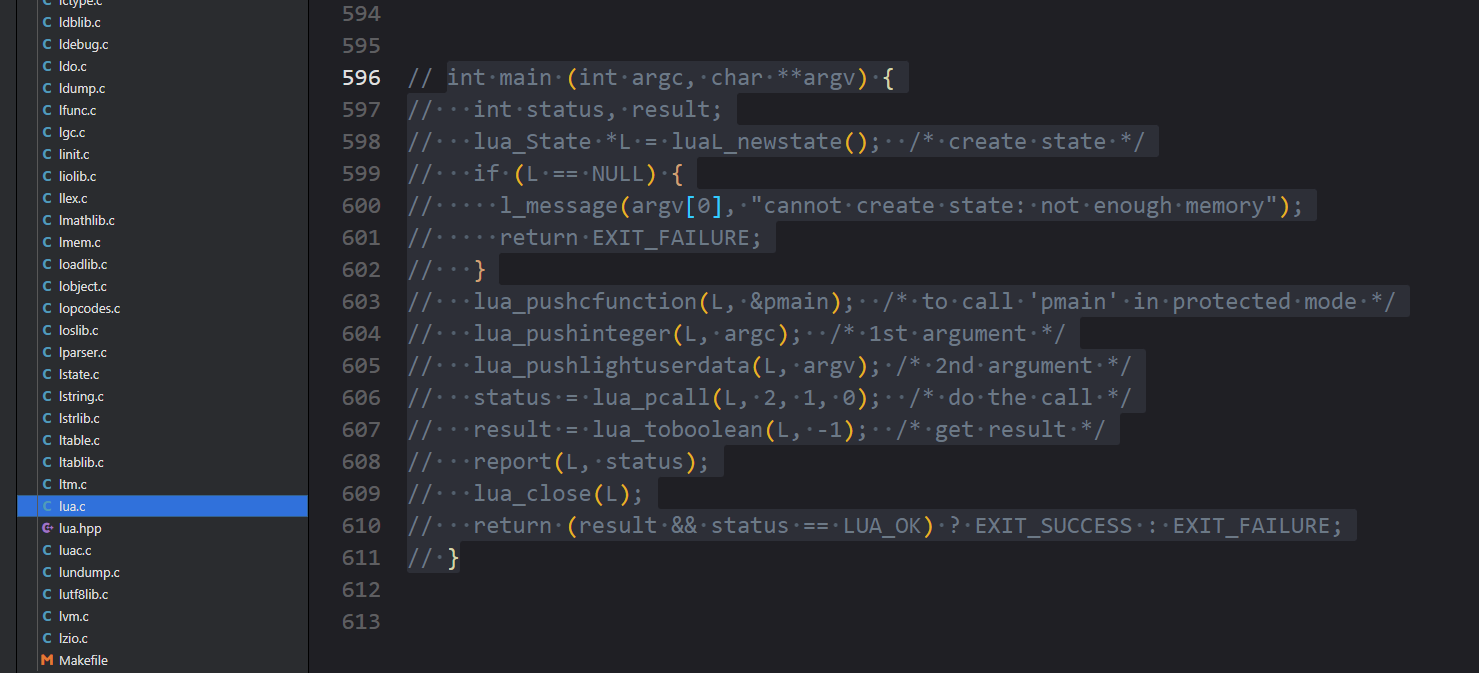
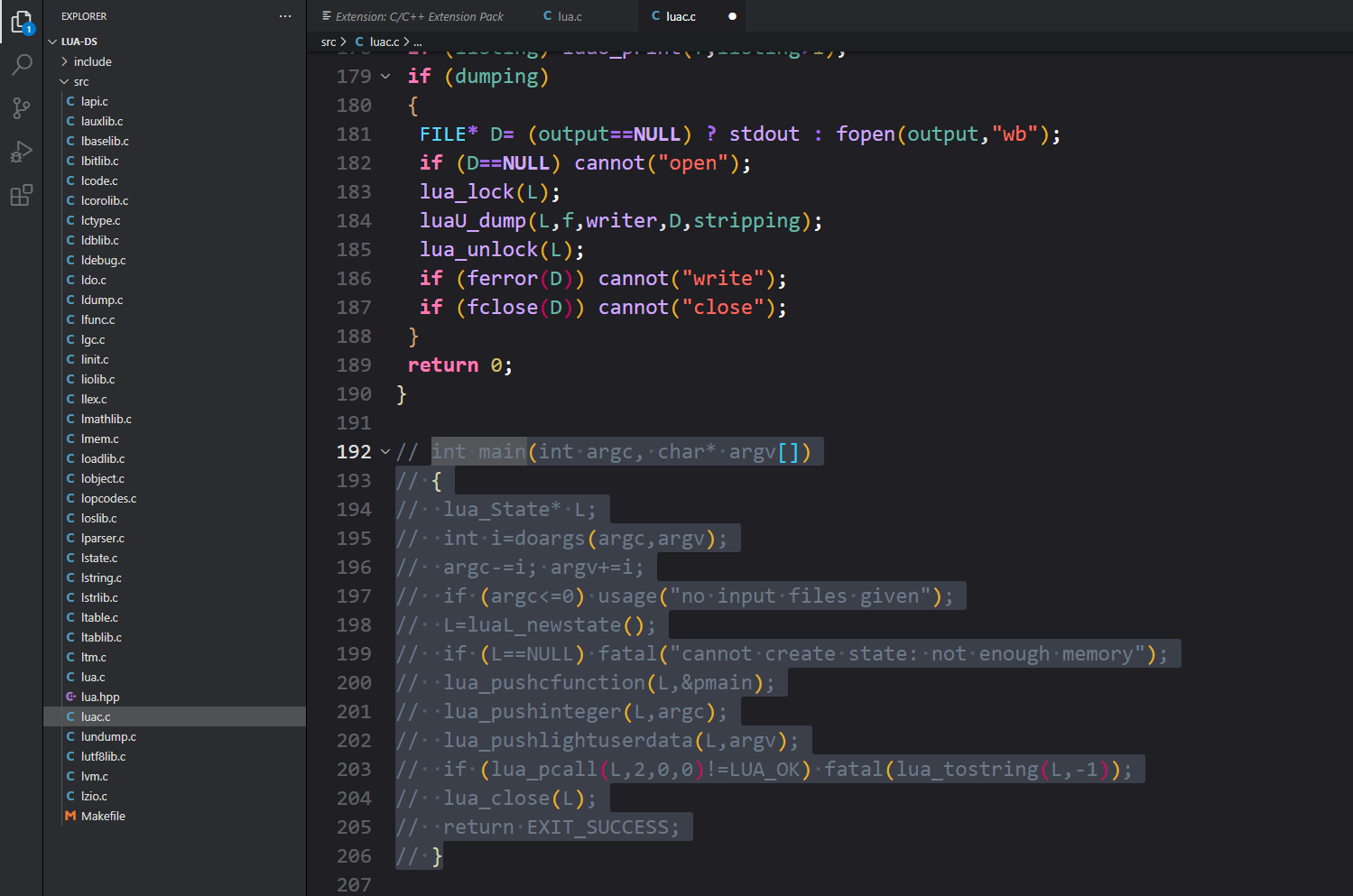
vscode调式c配置,首先使用
shift+ctrl+p,如下图所示,会生成c_cpp_properties.json文件,如图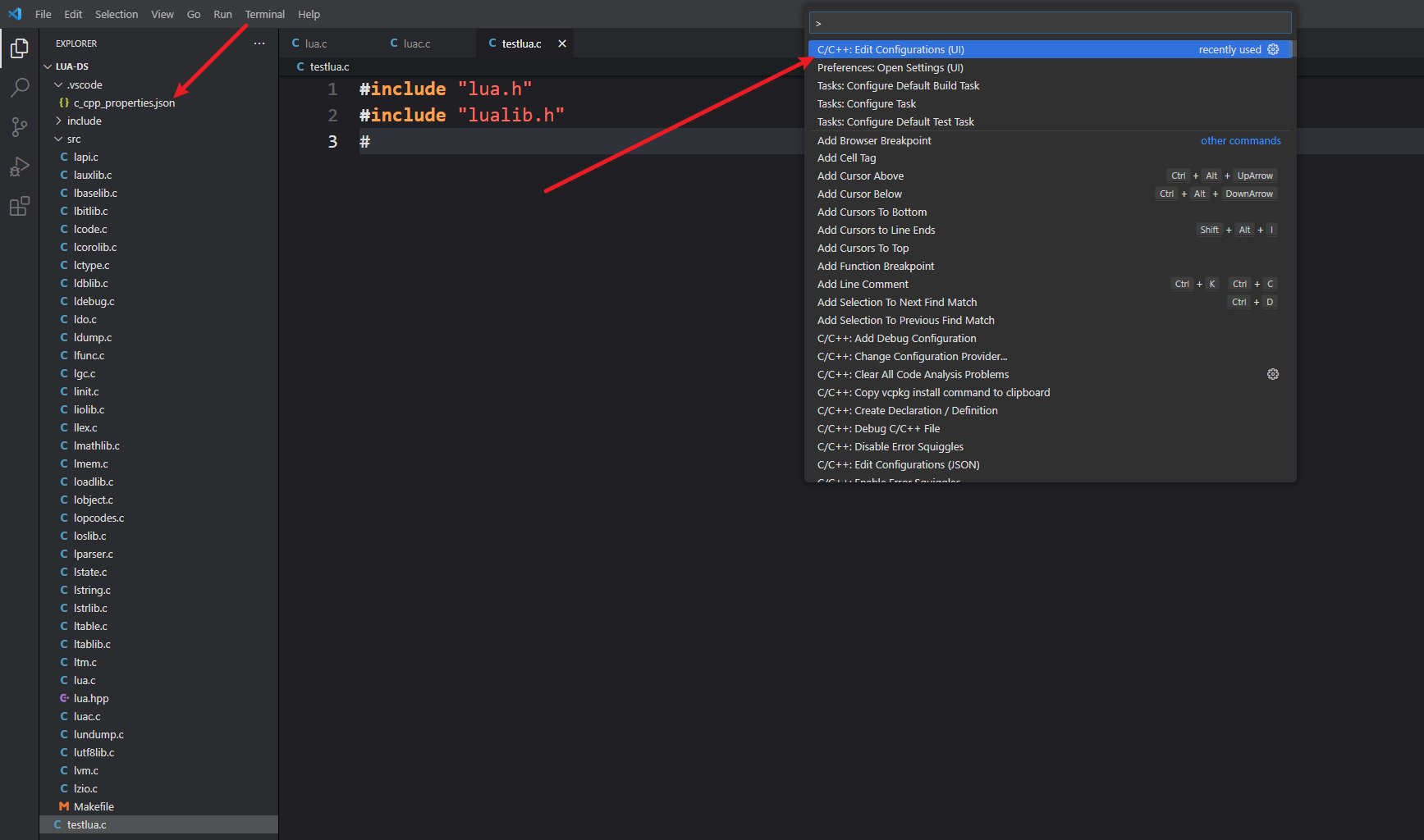
在``文件里添加这一条规则,这样头文件不会是红线了
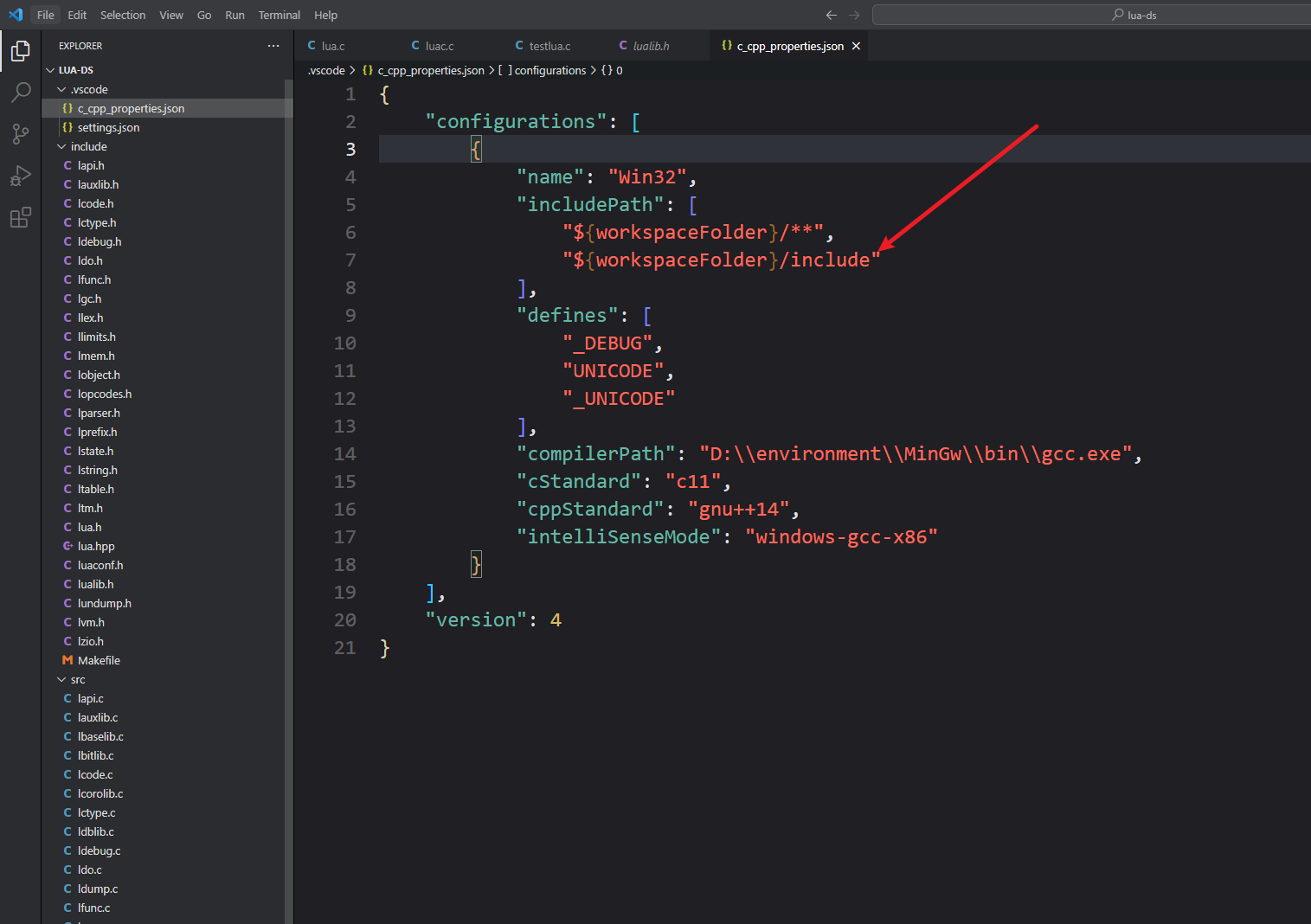
接下来配置
task.json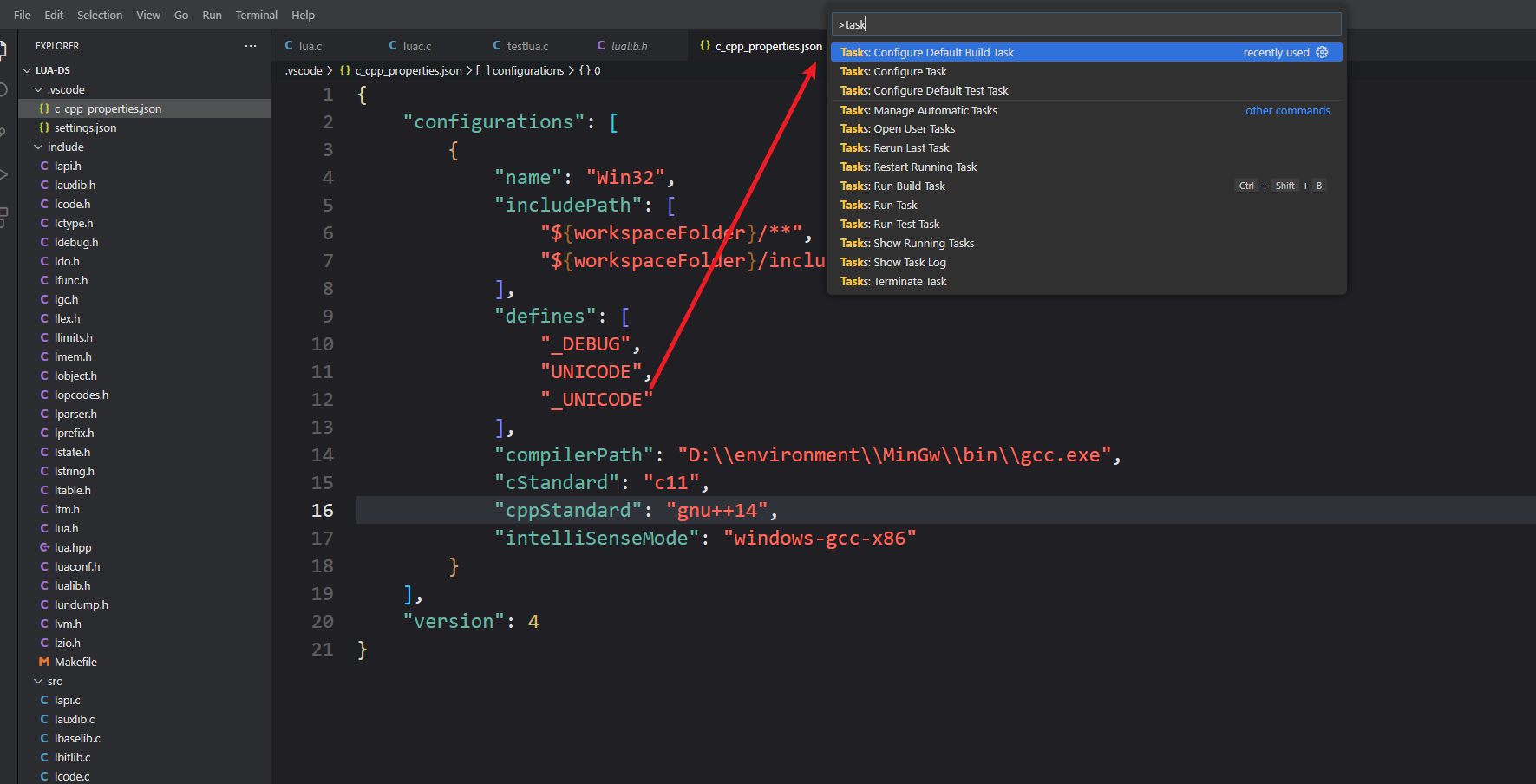
task.json的配置如下
1
2
3
4
5
6
7
8
9
10
11
12
13
14
15
16
17
18
19
20
21
22
23
24
25
26
27
28
29
{
"version": "2.0.0",
"tasks": [
{
"type": "cppbuild",
"label": "C/C++: gcc.exe build active file",
"command": "gcc",
"args": [
"-g",
"${workspaceFolder}\\src\\*.c",
// "${fileDirname}\\*.c",
"-o",
"${fileDirname}\\${fileBasenameNoExtension}.exe",
"-I",
"${workspaceFolder}\\include",
],
"options": {
"cwd": "${fileDirname}"
},
"group": {
"kind": "build",
"isDefault": true
},
"detail": "compiler: D:\\environment\\MinGw64\\bin\\gcc.exe"
}
]
}c_cpp_properties.json配置如下
1
2
3
4
5
6
7
8
9
10
11
12
13
14
15
16
17
18
19
20
21
{
"configurations": [
{
"name": "Win32",
"includePath": [
"${workspaceFolder}/**",
"${workspaceFolder}/include"
],
"defines": [
"_DEBUG",
"UNICODE",
"_UNICODE"
],
"compilerPath": "D:/environment/MinGw64/bin/gcc.exe",
"cStandard": "c11",
"cppStandard": "c++11",
"intelliSenseMode": "windows-gcc-x86"
}
],
"version": 4
}创建如下文件在src里,
testlua.c, testlua.lua,对应的内容为1
2
3
4
5
6
7
8
9
10
11
12
13
14
15
int main()
{
lua_State* L = luaL_newstate();
luaL_openlibs(L);
luaL_dofile(L, "testlua.lua");
lua_close(L);
return 0;
}1
print("xxx")
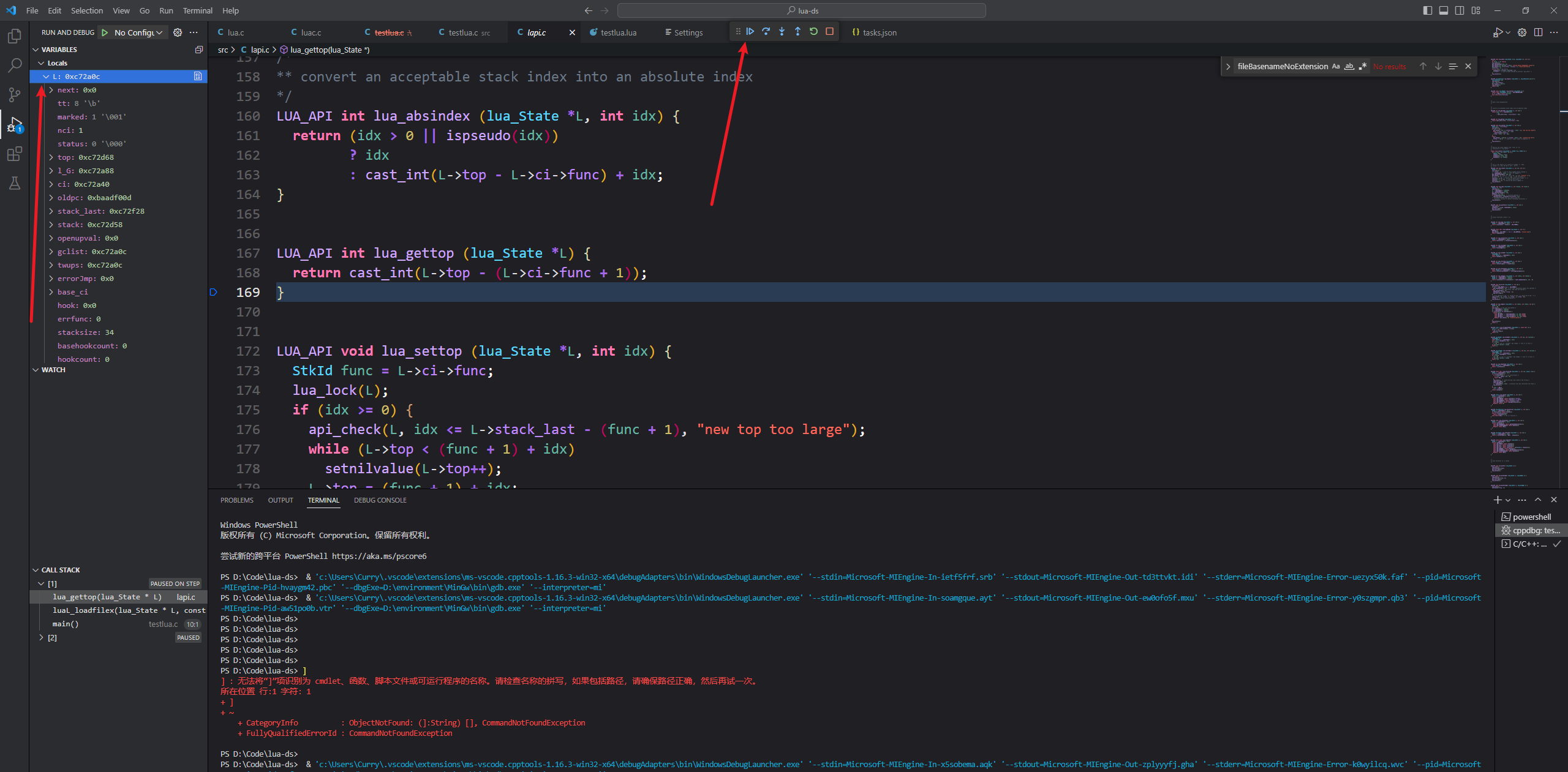
开始调试
先打断点,如图
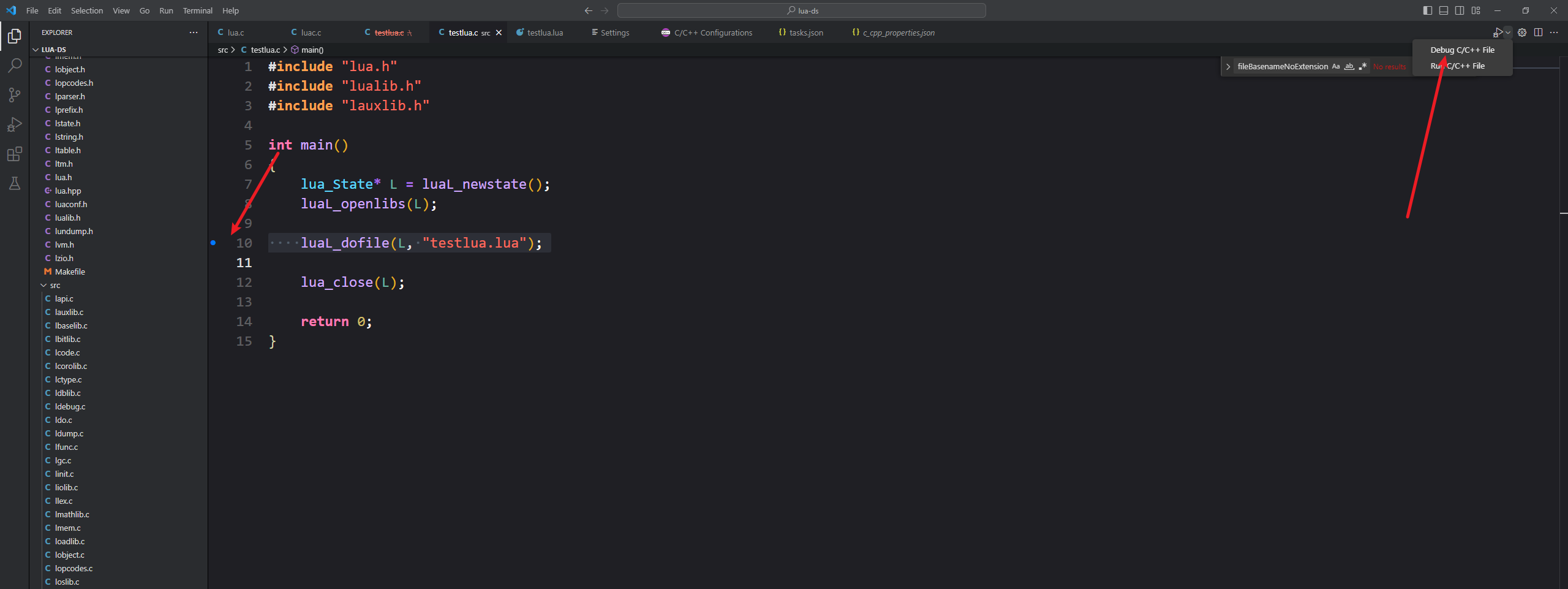
运行如图